
Integrating AI in Our Professional and Personal Lives
Google NotebookLM: Transforming Technical Documentation
Introduction
In today’s fast-paced industrial and technical environments, accessing and understanding large volumes of documentation efficiently is critical. Traditionally, professionals relied on indexes, appendices, and manual browsing of printed manuals. The transition to digital documents introduced search functions like “Find” in PDF readers, significantly improving efficiency.
Now, with the emergence of Google NotebookLM (Language Model), the process has been transformed entirely. NotebookLM is an AI-powered tool that reads, understands, summarizes, and responds to queries based on your uploaded documents—within seconds. It enables professionals to extract precise insights from extensive manuals without manual effort, making it a powerful and time-saving solution.
Accessing NotebookLM
Getting started with NotebookLM is simple:
- Visit: notebooklm.google.com
- Sign in using your Google account
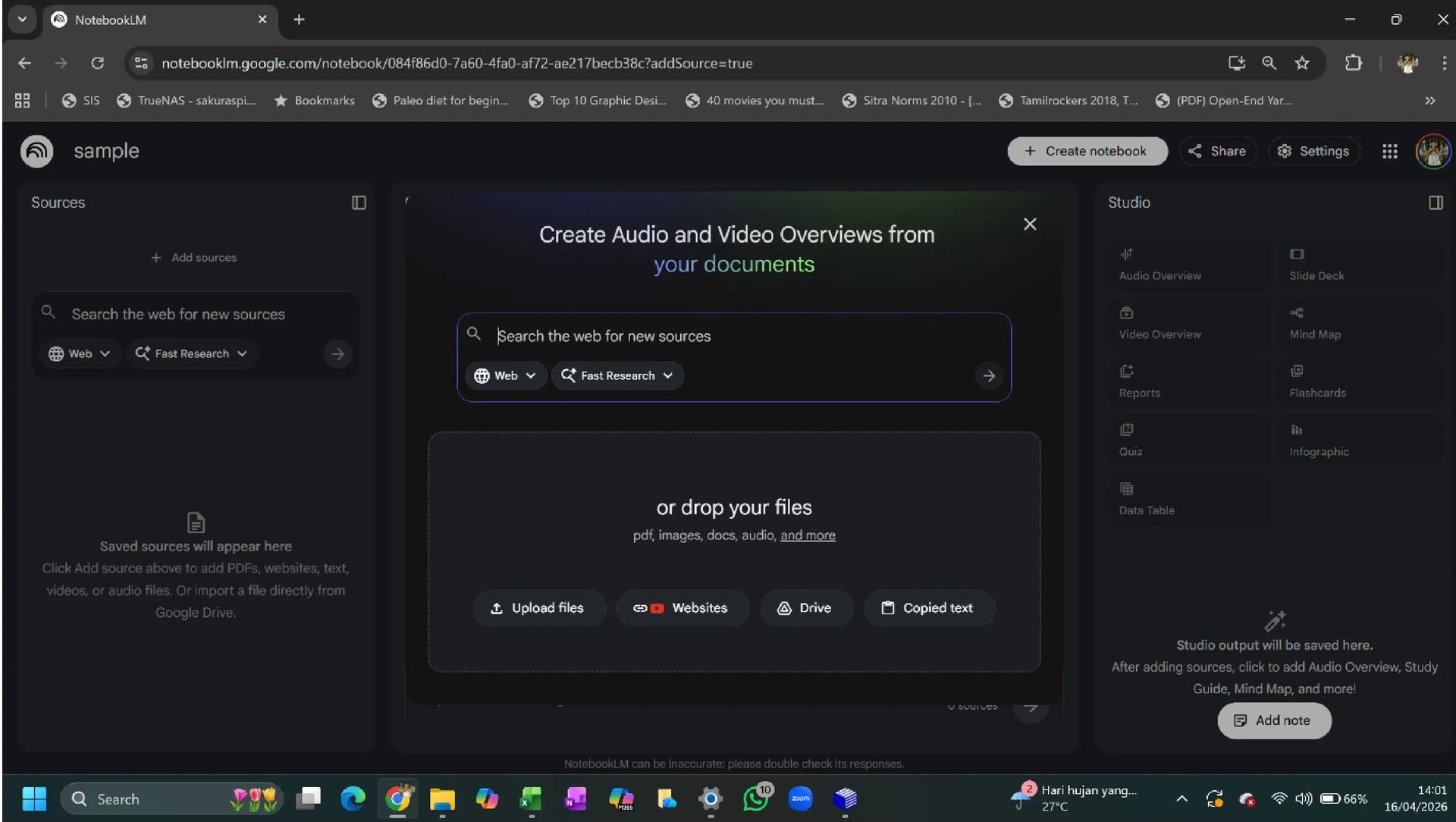
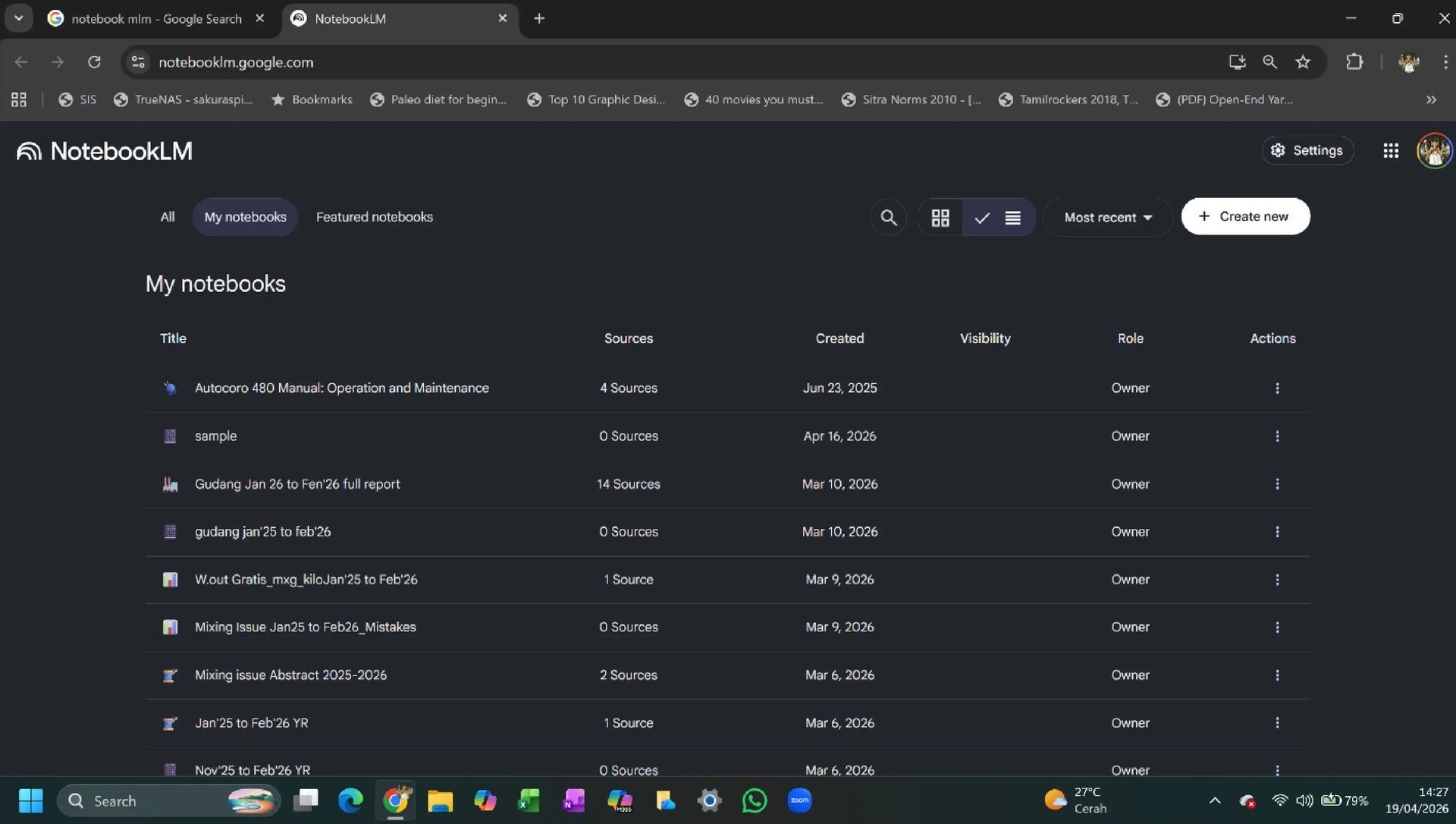
- Create a new workspace by clicking “New Notebook”
Each notebook can be dedicated to a specific machine, project, or study area, helping organize technical information efficiently.
Adding Source Documents
The effectiveness of NotebookLM depends on the quality of the input sources. To add documents:
- Click on “Add Source” in the left panel
- Upload PDFs, link Google Drive files, or paste text directly
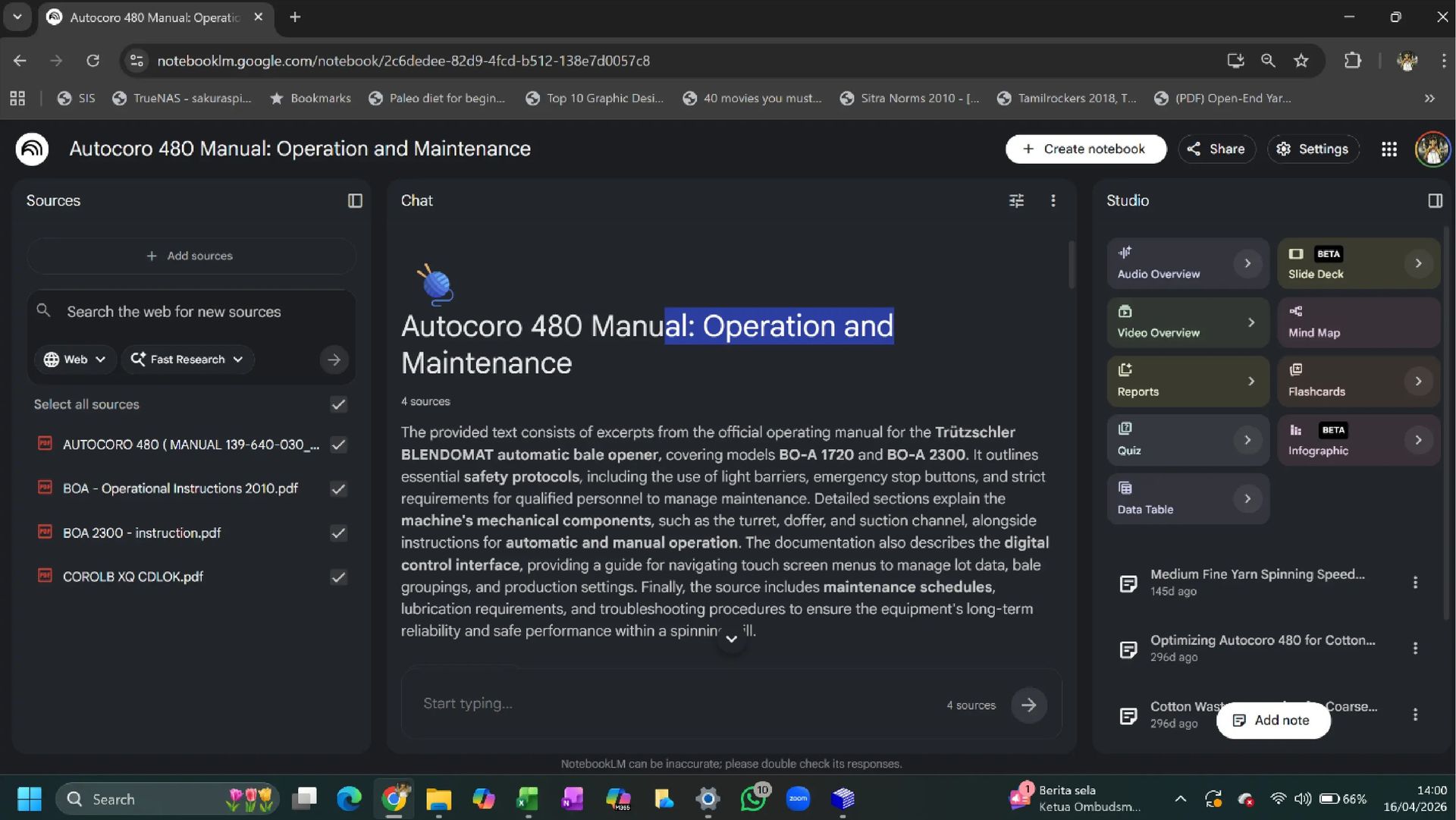
- Once uploaded, the AI automatically reads and indexes the content
NotebookLM then generates a “Source Guide,” which summarizes the document and suggests relevant queries, making navigation intuitive.
Exploring NotebookLM
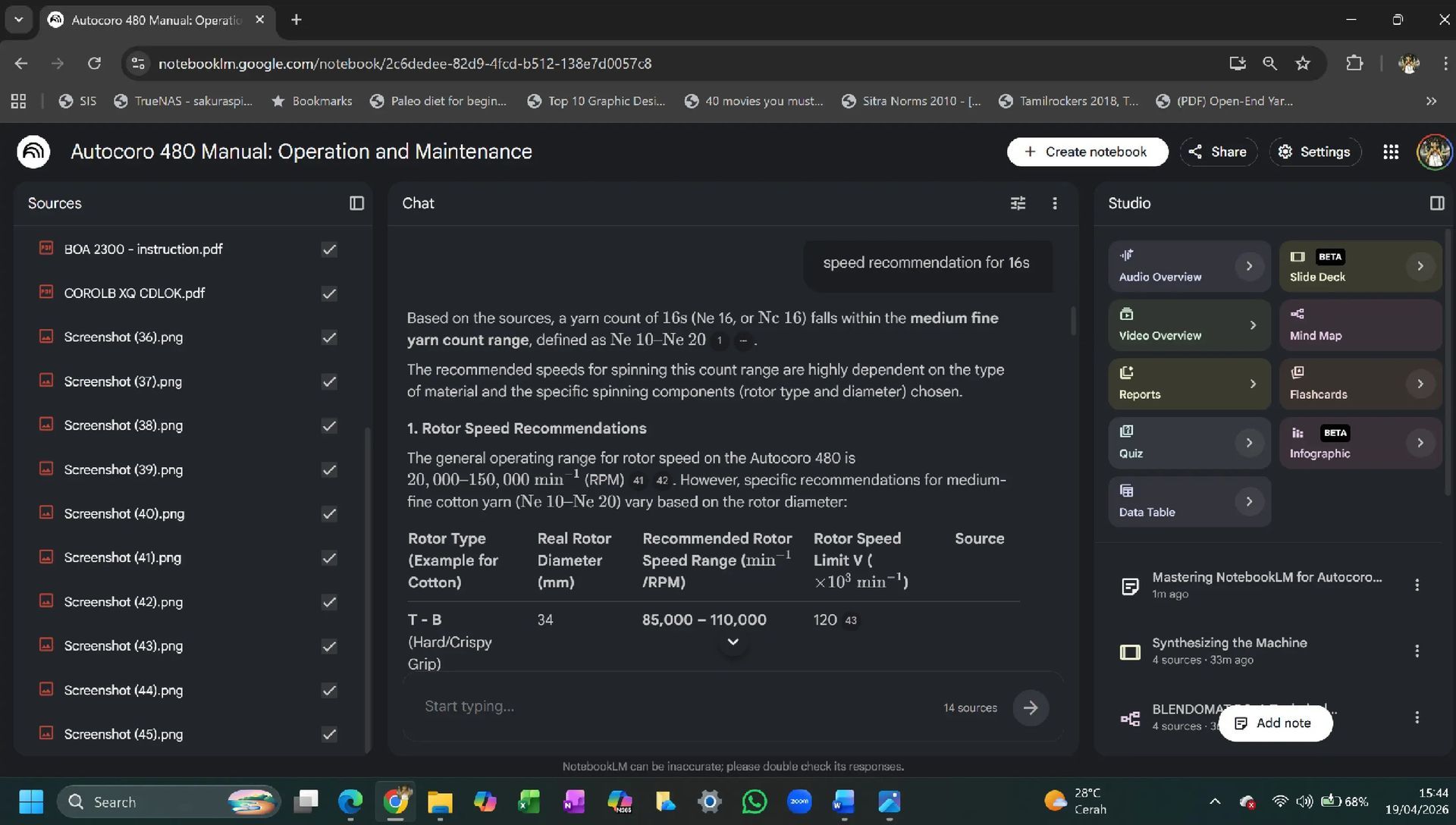
Once sources are uploaded, users can begin interacting with the content immediately. For example, a query such as:
“Speed recommendation for 16s yarn”
will not only provide the required speed but also include related parameters like rotor speed, opening roller speed, and other operational details.
This contextual understanding is what sets NotebookLM apart—it delivers comprehensive insights rather than isolated answers.
Advanced Features
NotebookLM offers several advanced tools that enhance productivity:
- Mind Maps: Simplify complex technical data into structured visual representations
- Infographics & Slide Decks: Convert content into presentation-ready formats
- Data Analysis: Quickly extract and organize large datasets
For instance, analyzing three years of bank statements—something that typically requires hours of manual effort—can be completed within minutes using NotebookLM.
Mind Map of Autocoro 480 manual is given below:
Practical Value
The real strength of NotebookLM lies in its ability to reduce complexity and improve decision-making speed. Whether it is machine manuals, production data, or financial records, the tool provides actionable insights with minimal effort.
Caution
While NotebookLM is highly reliable, it is important to validate critical outputs. The accuracy of results depends heavily on the quality of the source documents, and occasional AI-generated errors may occur.
Conclusion
Google NotebookLM represents a significant leap in how professionals interact with technical information. By combining speed, accuracy, and intelligent summarization, it enhances both professional efficiency and personal productivity. As AI continues to evolve, tools like NotebookLM will become indispensable in modern workflows.